Most creators don't run out of ideas — they run out of scripts. The idea is easy; turning it into 45 seconds of tight, speakable lines is the part that eats the afternoon. AI script generators help, but they usually live in a chatbot: you draft there, then copy into a prompter app, then record in a third place. TikCue collapses that pipeline — AI Write drafts the script, Refine polishes it, and the same app floats it over your camera and scrolls it as you speak.
What AI is actually good at in a video script
- Structure. Hook → value → payoff → call to action. AI produces this skeleton instantly, and structure is most of what separates a watchable short from a ramble.
- First drafts from thin prompts. "30-second video: three mistakes people make with sourdough starters" → a usable draft to react to, instead of a blank page.
- Variations. Five different hooks for the same video costs seconds; test them across posts.
- Tightening. The Refine pass cuts filler and shortens sentences — the single biggest upgrade for spoken text.
What still needs you
Your stories, your opinions, your specifics. The reliable workflow is AI for the frame, you for the substance: generate the structure, then replace generic claims with the example only you can tell. Scripts written this way sound like you — because the parts that matter are.
Why the generator and prompter belong in one app
The practical reason: iteration speed. You read the AI draft out loud off the prompter, hit the clunky sentence, fix it or hit Refine, and read again — a 30-second loop between "words on screen" and "words in your mouth." When the writing tool and the reading tool are different apps, that loop dies of copy-paste.
Idea → script → take, all in TikCue
- Open TikCue (free on the App Store) and tap Add Script → AI Write.
- Describe the video: topic, angle, length, tone. Get a structured draft with hook and CTA.
- Read it out loud once; personalize the middle, then hit Refine to tighten the wording.
- Tap Float-Cue and open TikTok, Instagram or your camera app.
- Record with AI Scroll pacing the script to your voice — re-shoot variations by editing the hook only.
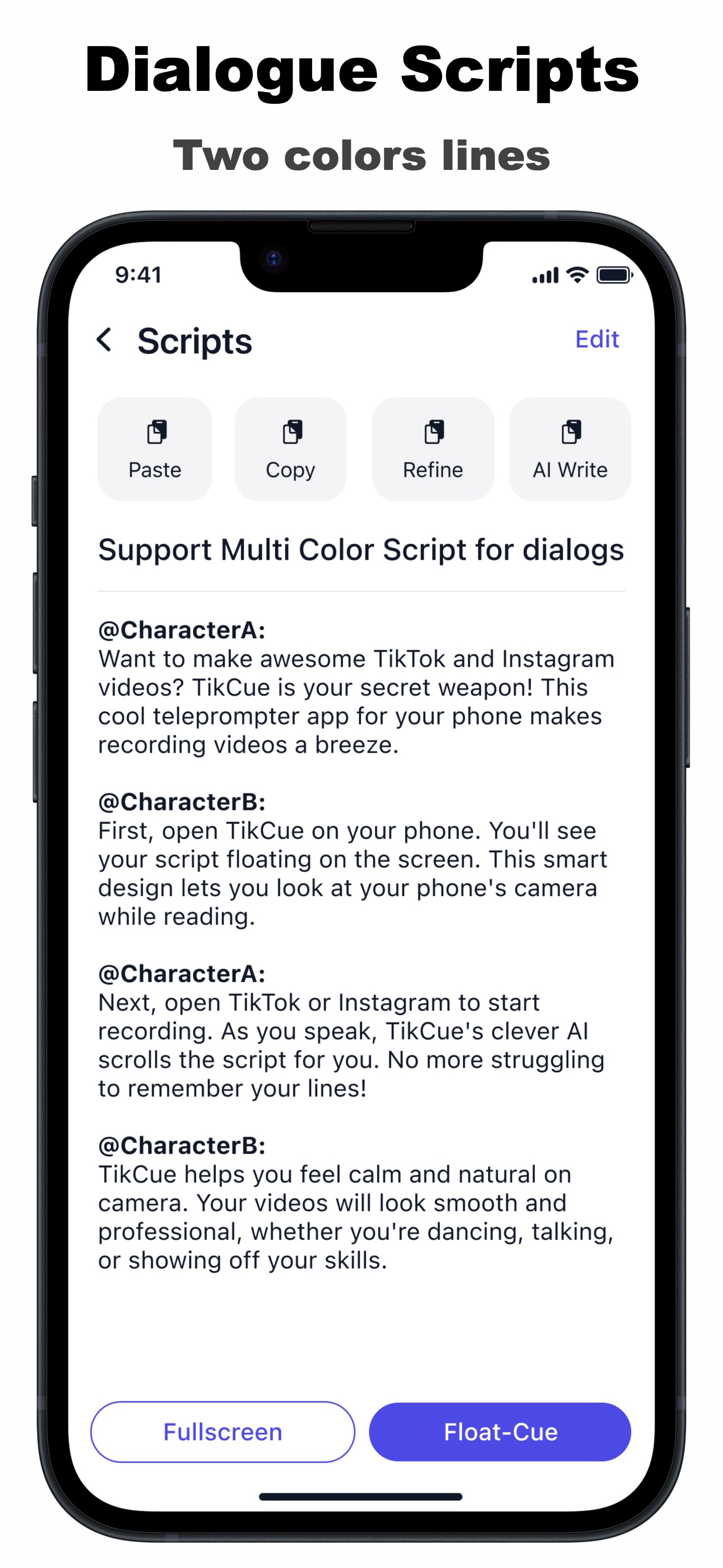
Batch trick: generate 5 scripts on Sunday, refine them over coffee, and shoot all five in one session with the floating prompter. Consistency is an algorithm feature — and a script library is how you afford it.

Get TikCue free on the App Store
A floating teleprompter that scrolls as you speak — in TikTok, Instagram, Zoom or any camera app. iPhone & iPad.