 TikCue
The AI teleprompter that scrolls as you speak — in any camera app
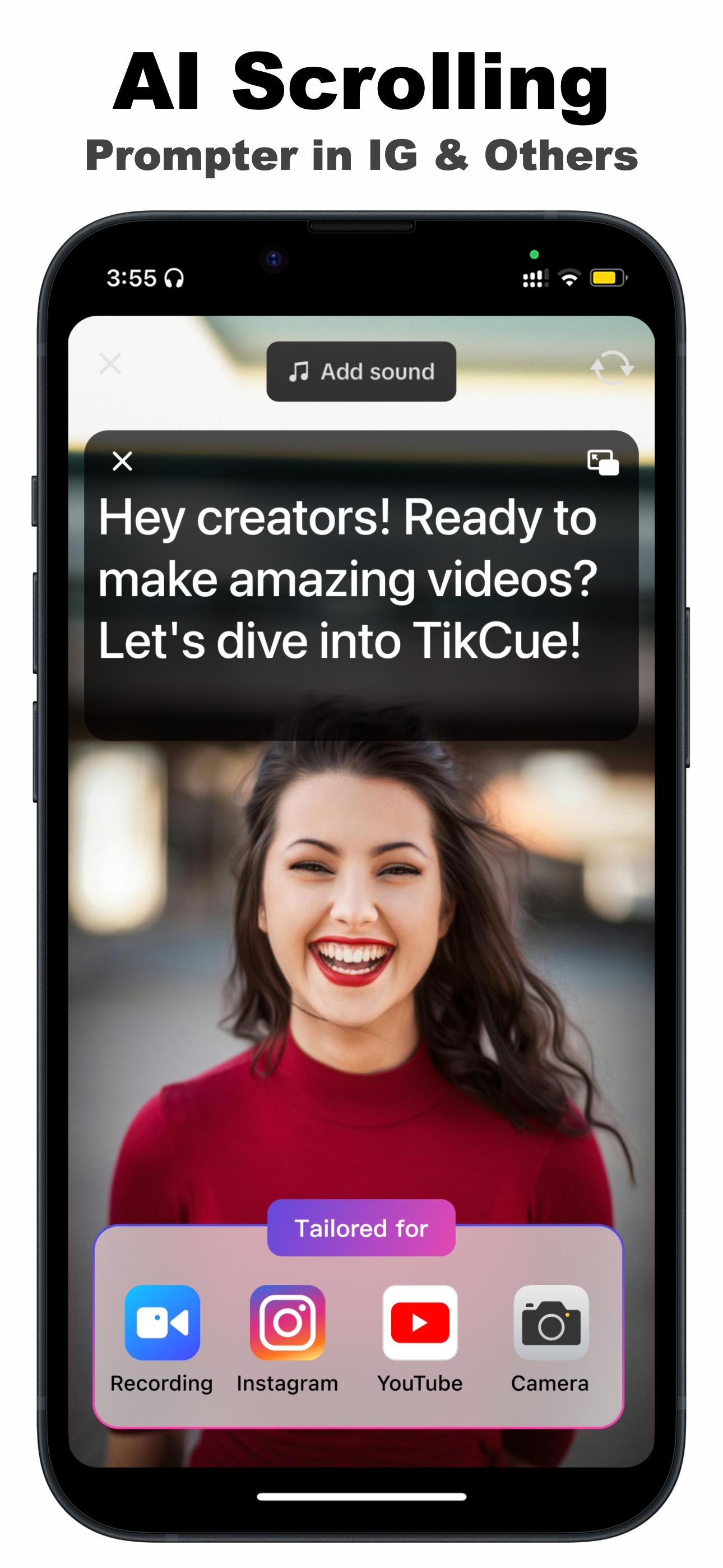
TikCue floats your script over TikTok, Instagram, YouTube, Zoom or your camera, and its AI moves the text at exactly your pace. Keep eye contact, kill the awkward pauses, and nail the take — first try.
Why TikCue
A floating prompter, a voice-paced scroll, and an AI script writer — in one app
Fixed-speed prompters make you race the text or trail behind it. TikCue's AI Scroll follows your voice — and because the script floats on top of any app, it goes wherever you record.
AI Scroll follows your voice
Speak fast, slow down, go off-script and come back — the text keeps pace with you, not the other way around. No remote control or rig needed.
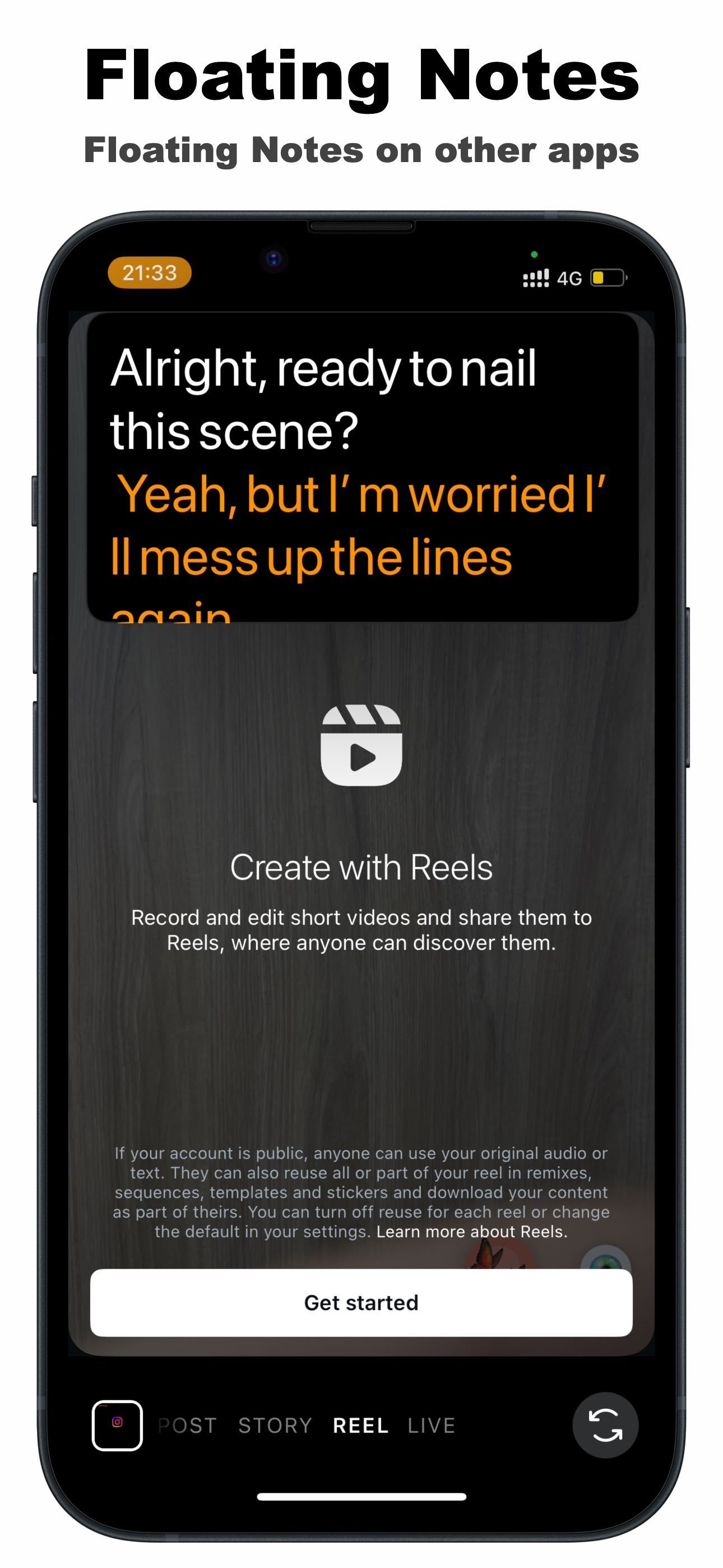
Floating notes over any app
Your script stays on top of TikTok, Instagram, YouTube, Zoom or your camera — portrait or landscape — so you record with the tools you already use.
Real eye contact
The floating window sits near the lens, so you read while looking at your audience — no more eyes darting to a notes page mid-sentence.
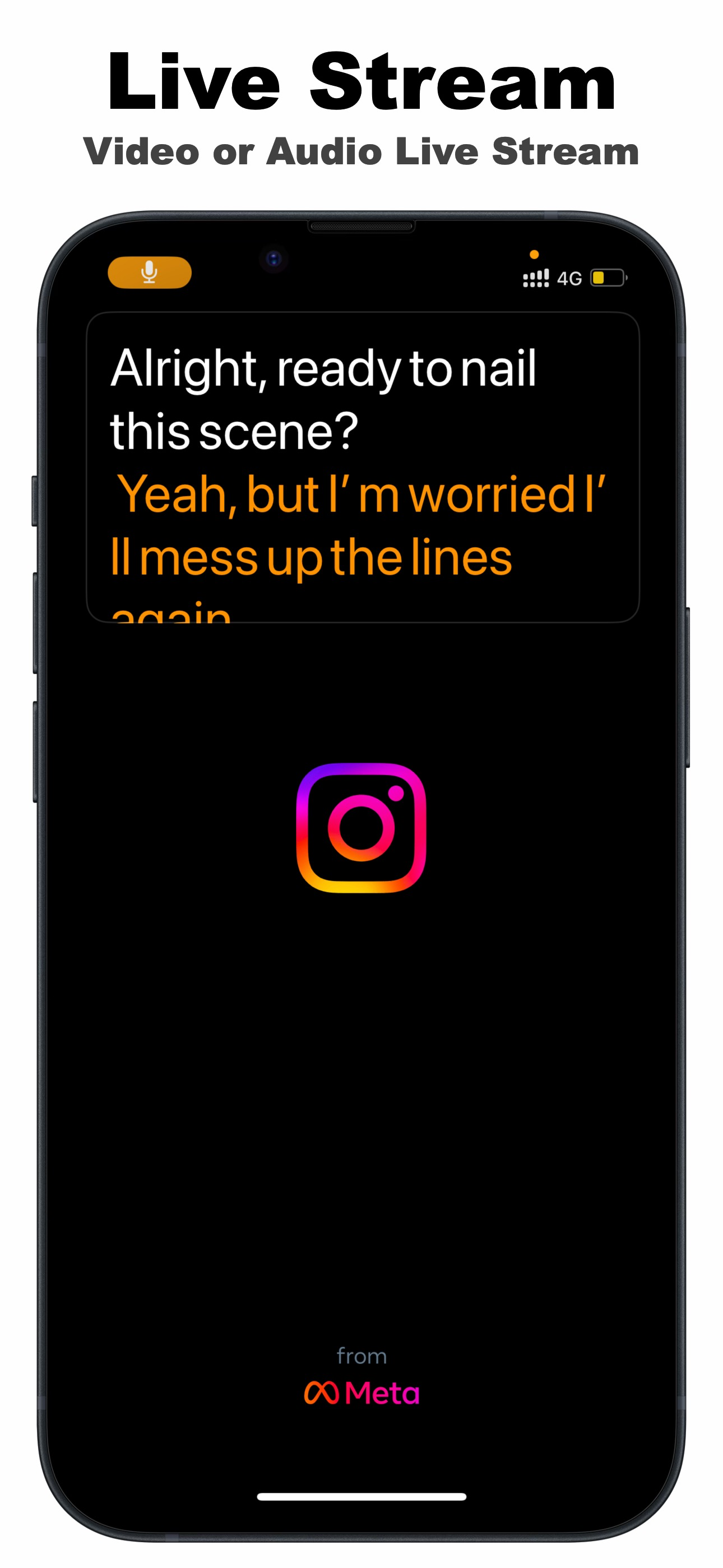
Live-stream mode
Stop memorizing talking points. During TikTok Live, Instagram Live or audio streams, your script follows your speech for a clean, confident delivery.
AI Write & Refine
Draft a script from an idea with AI Write, polish it with Refine, then prompt it — idea to finished take, without leaving the app.
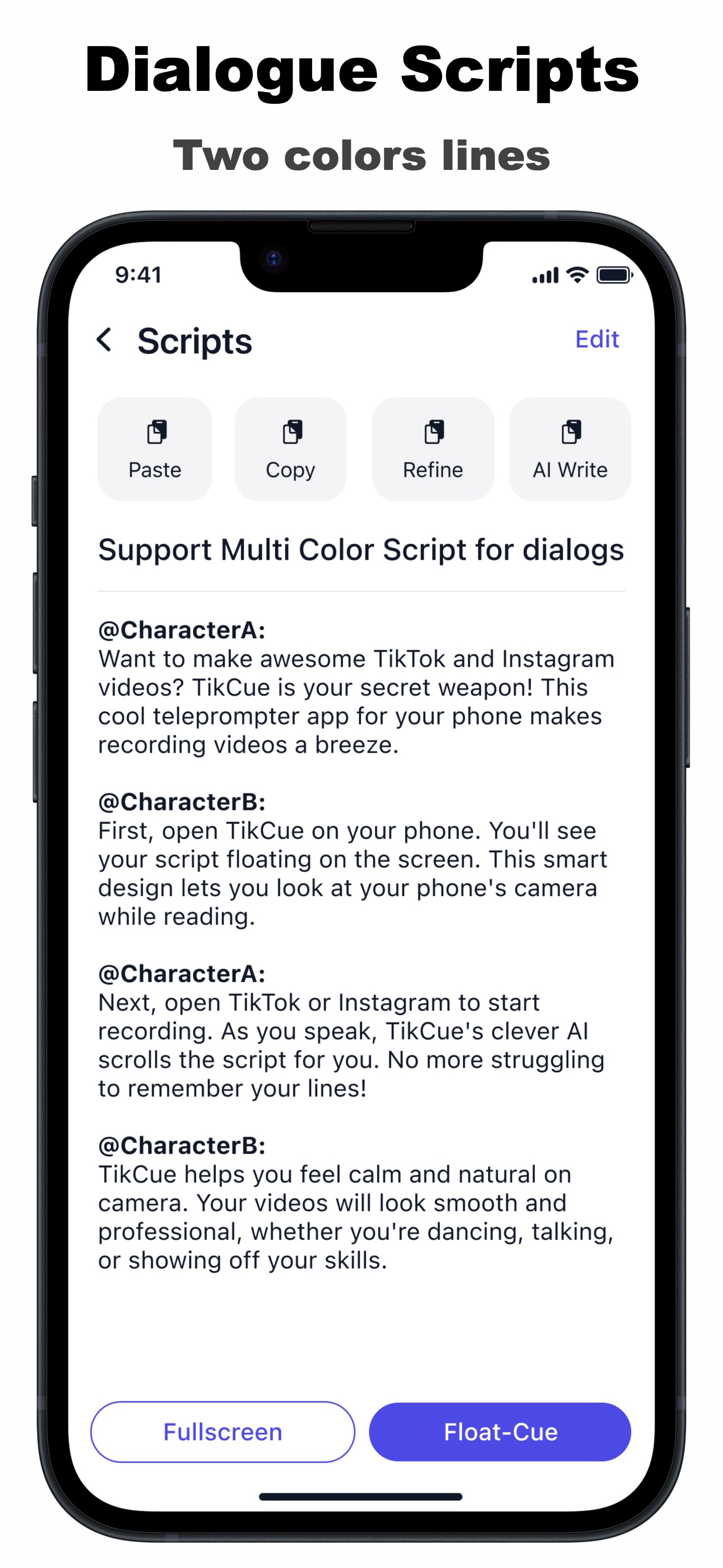
Two-color dialogue scripts
Give each character their own color for skits, short films and interviews — plus mirror, rotate, speed, font and transparency controls.
See it in action
Your script, floating where you need it
How it works
Three steps from script to smooth take
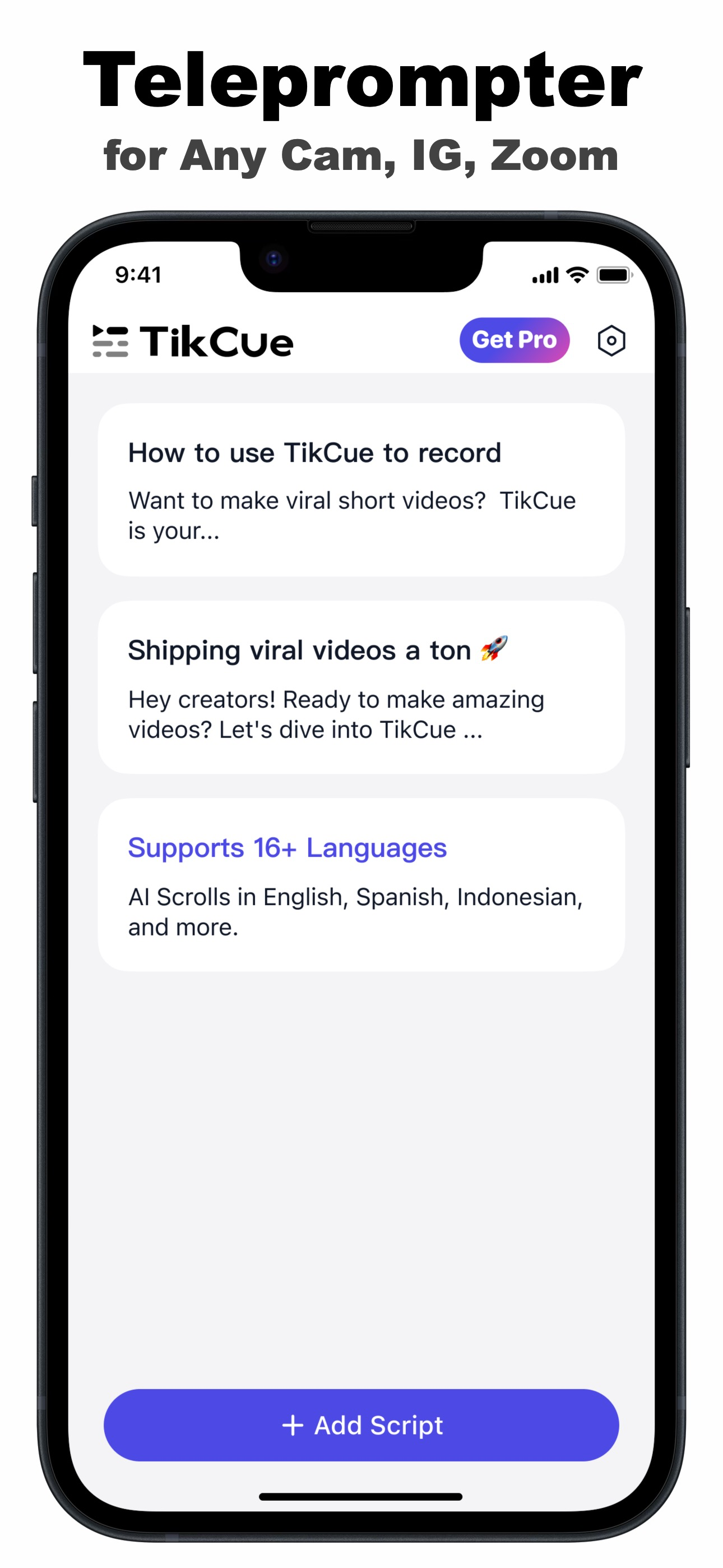
Add your script
Paste it, write it, or let AI Write draft it from your idea. Set font, size, colors and transparency the way you like to read.
Float it over your camera
Tap Float-Cue and open TikTok, Instagram, Zoom or your camera app. The script window sits near the lens, portrait or landscape.
Speak — the script follows
AI Scroll paces the text to your voice. Pause, riff, come back — it waits for you. Deliver the whole take with your eyes on the lens.
Creators on TikCue
Made for people who talk to cameras
“TikCue has completely changed the way I create videos. It's a game-changer!”
Sarah LeeContent Creator“The AI cues are so helpful. I feel more confident and natural in my recordings.”
Emily JohnsonVlogger“My video engagement has skyrocketed since I started using TikCue!”
Jessica WhiteBusiness CoachGuides
Record smoother videos with TikCue
Practical, step-by-step answers to the questions creators actually search — and how to solve each one with TikCue.
Voice-activated teleprompter
What AI voice scroll is, why it beats fixed-speed scrolling, and how to set it up.
Read the guide →Teleprompter for TikTok & Reels
Use a floating script inside the TikTok or Instagram camera — filters included.
Read the guide →Teleprompter for live streaming
Keep talking points on screen through a whole TikTok or Instagram Live.
Read the guide →Use your phone as a teleprompter
Turn your iPhone into a prompter for videos, speeches and presentations — free.
Read the guide →Teleprompter for Zoom calls
See your notes during Zoom or Google Meet on iPhone/iPad — without looking away.
Read the guide →Look at the camera while reading
Why your eyes drift, and the setup that keeps them on the lens for a whole take.
Read the guide →AI script writer for short videos
Draft TikToks and Reels with AI Write, refine them, and prompt them — one app.
Read the guide →Film two-person dialogue scenes
Shoot skits and short films with two-color dialogue scripts both actors can read.
Read the guide →FAQ
Frequently asked questions
Is there a teleprompter that scrolls automatically as you speak?
Can I use a teleprompter inside the TikTok or Instagram camera?
Does TikCue work for live streaming?
How do I use my iPhone as a teleprompter?
Can I see my notes during a Zoom call without looking away?
How do I look at the camera while reading a script?
Can AI write my video script?
Can two people film a dialogue scene with a teleprompter?
Is TikCue free?
Are my scripts private?
No one knows you're reading
Download TikCue free and record with a script that follows your voice, floating right where you look. For TikTok, Reels, YouTube, live streams and Zoom.

Free download · Pro from $69.99/year with 7-day free trial · Requires iOS 17 or later