Live streaming is the one format with no second take: forget your talking points mid-stream and the audience watches you scramble. Streamers have coped with sticky notes on the wall, a second phone propped against a mug, or pure memorization — all of which pull your eyes obviously away from the lens. A floating teleprompter solves it properly: your script or bullet points sit on screen, over the live app itself, and scroll as you speak.
Why live streams need a different prompter than recordings
- No pause button. In a recording you can stop and check notes. Live, the prompter has to keep up in real time — a fixed-speed crawl is useless when a viewer question takes you off script for two minutes.
- The stream app owns the screen. TikTok Live and Instagram Live run full-screen; only a floating overlay can share the display with them.
- Long sessions. A 45-minute live isn't one script — it's segments: intro, topic blocks, promo lines, calls to action you repeat. You need to glance and go, not read continuously.
Script or bullet points? Both work
Two styles of live prompting, both with a floating window:
- Full script for openings, product pitches, announcements and anything legally sensitive — the AI Scroll follows your voice through the exact wording.
- Bullet-point cue cards for the free-flowing middle of a stream: your segment list stays visible, so after every tangent you land back on the plan. Pause the scroll and scrub anywhere anytime.
TikCue's live-stream mode also works for audio-only streams and podcast-style recordings, where "reading without sounding like reading" matters even more because your voice is all there is.
How to prompt a live stream with TikCue
- Write your stream plan in TikCue: full script for the scripted parts, bullets for the rest.
- Tap Float-Cue, then open TikTok, Instagram or your streaming app and go live as usual.
- Position the floating window near the camera; set transparency so it never blocks comments.
- Speak naturally — AI Scroll follows your voice through scripted sections and waits during off-script moments.
- Between segments, glance at the window to land your next topic — viewers just see you looking at the lens.
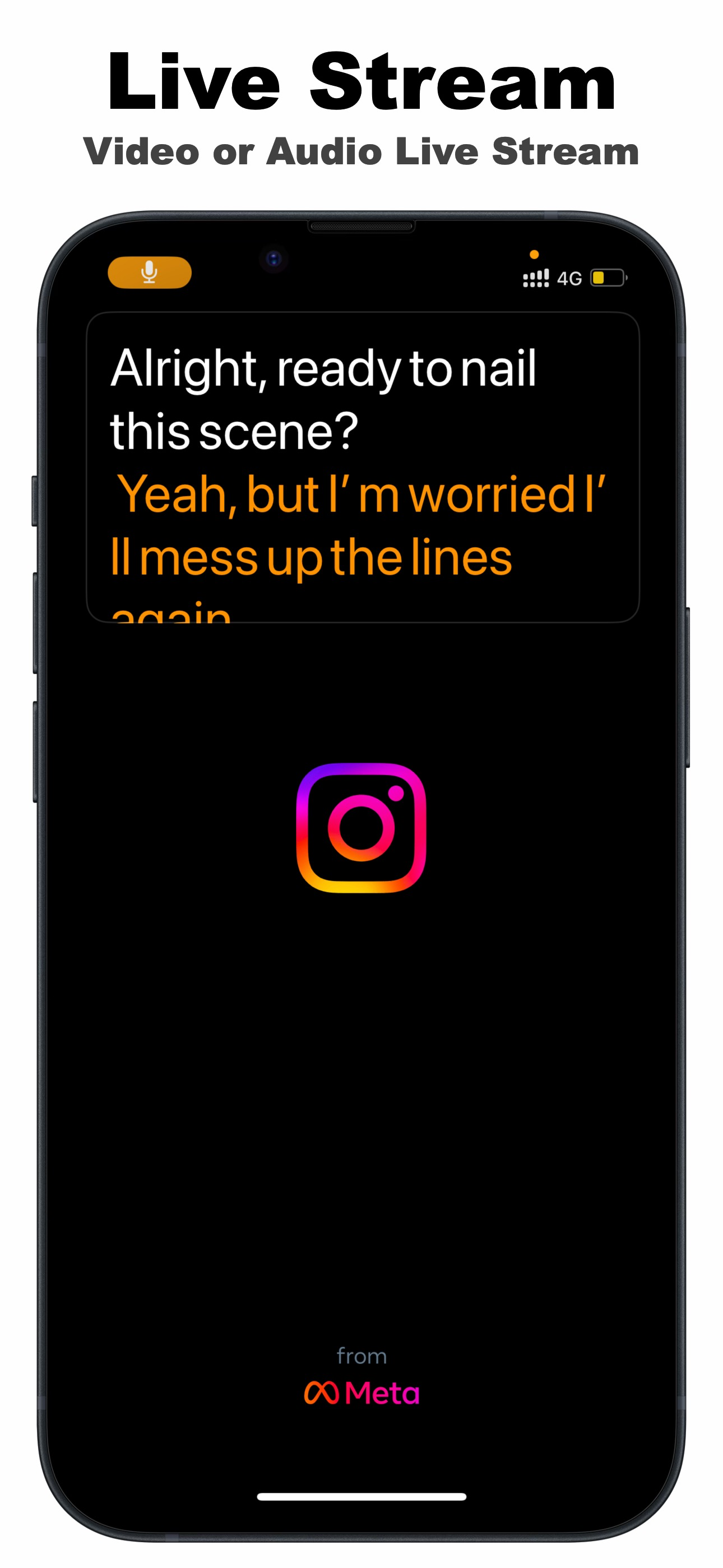
Only you see it: the floating prompter is an overlay on your screen — it is not part of the video your viewers receive. Your stream shows your camera feed; the script stays your secret.
Live-stream prompting habits worth stealing
- Script your first 60 seconds. Streams are joined gradually; a tight, repeatable intro loop welcomes new viewers without rambling.
- Keep promo lines verbatim. Discount codes, disclaimers and sponsor lines belong in the script, not in memory.
- Write timestamps into your plan ("~min 20: Q&A") so a glance tells you whether you're ahead or behind.

Get TikCue free on the App Store
A floating teleprompter that scrolls as you speak — in TikTok, Instagram, Zoom or any camera app. iPhone & iPad.