A voice-activated teleprompter listens while you talk and moves the script at your pace — speed up and it speeds up, pause and it waits, stumble over a line and it doesn't run off without you. That single difference is why voice scroll has replaced the remote control, the foot pedal and the "guess the right speed before the take" ritual. Here's how it works, what to look for, and how to set it up on your iPhone in under a minute.
Auto-scroll vs. voice scroll: they are not the same thing
Many apps advertise "automatic scrolling" that is really a timer: the text crawls at a fixed speed whether you're talking or not. That leaves you with two failure modes — racing the prompter through your lines, or awkwardly vamping while you wait for the next sentence to arrive. A true voice-activated prompter does speech recognition on what you're saying and keeps the scroll anchored to the exact words leaving your mouth:
- Natural pacing. Fast intro, slow emphasis, dramatic pause — the text follows your delivery instead of dictating it.
- Recovery built in. Flub a line and repeat it, or go off-script for a moment — the scroll pauses and picks up where you resume.
- Hands free, rig free. No clicker in your palm, no foot pedal under the desk, no second person dragging a slider.
What to look for in a voice-activated teleprompter app
- Language support — the speech recognition must work in the language you record in, not just English. TikCue's AI Scroll supports 28+ languages, from Spanish and Portuguese to Indonesian and Turkish.
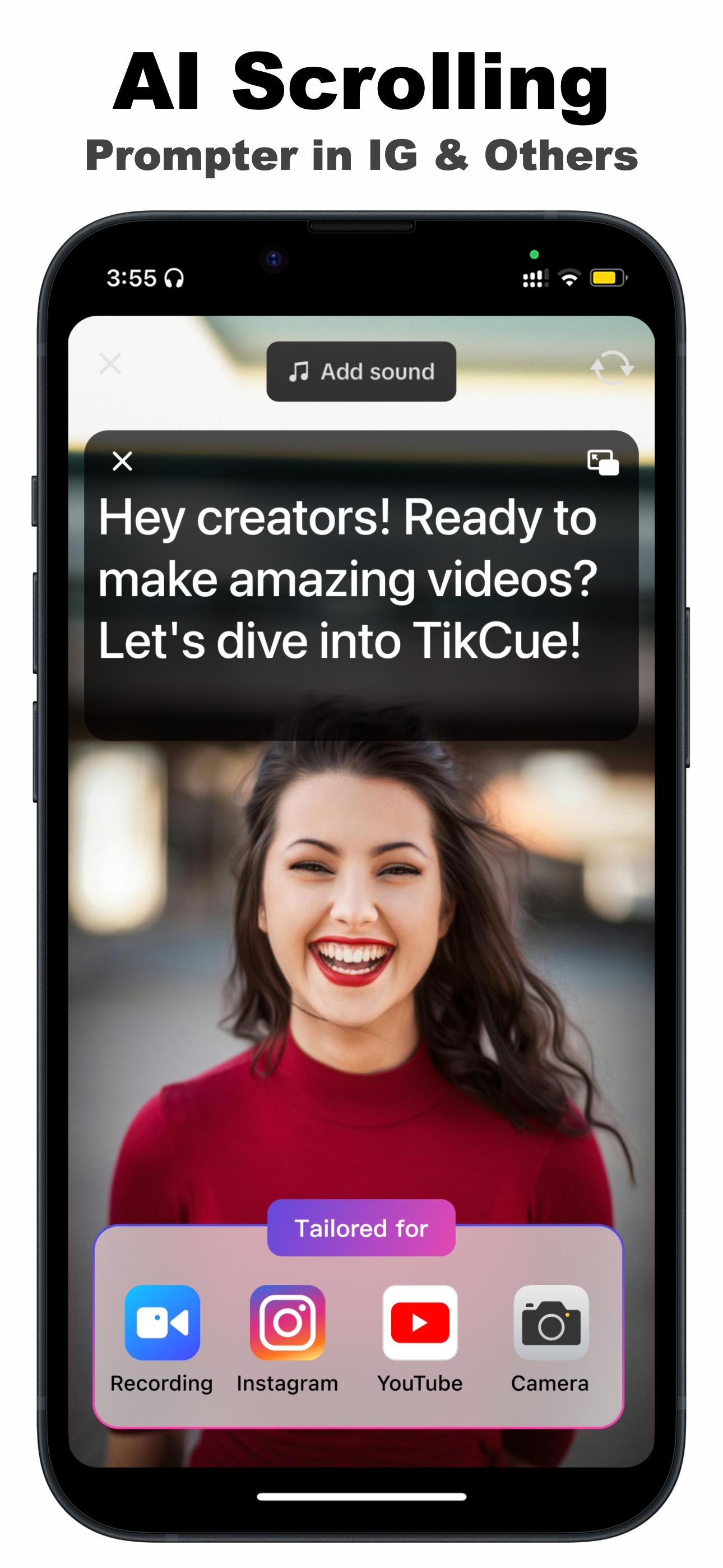
- Where the script lives — a prompter that only works inside its own camera forces you to give up TikTok effects, Instagram filters or your favorite camera app. A floating prompter rides on top of whatever app you record with.
- Readable at arm's length — you should be able to set font size, colors, transparency and mirroring so the text is comfortable near the lens.
- Graceful pausing — check what happens when you stop mid-take; the good ones simply wait.
How to set up voice scroll with TikCue
- Download TikCue free from the App Store and open it.
- Tap Add Script and paste your script — or let AI Write draft one from your idea.
- Tap Float-Cue to float the script window, and position it near the front camera.
- Open your camera app (or TikTok, Instagram, Zoom…) and start recording — then just speak.
- The AI scrolls the text as you talk. Pause anytime; it waits and resumes with you.
Getting the most accurate voice tracking
- Speak toward the phone — the mic needs to hear you clearly; two meters away in a quiet room is fine, a windy street is harder.
- Reduce loud background music during the take (add it in the edit instead) so the recognizer locks onto your voice.
- Match the script language to the language you'll actually speak — mixed-language scripts track best when the dominant language is set correctly.
Why this beats practicing a fixed speed: your delivery changes take to take — that's what makes it human. A voice-following prompter absorbs those changes instead of punishing them, which is why first-take success rates jump the day you switch.

Get TikCue free on the App Store
A floating teleprompter that scrolls as you speak — in TikTok, Instagram, Zoom or any camera app. iPhone & iPad.