Viewers forgive imperfect lighting and average audio, but eyes that keep darting off-lens read instantly as scripted, distracted or insincere — the connection breaks. Newscasters solved this decades ago with glass teleprompters mounted over the lens. You can get the same effect with nothing but your phone, if you respect one rule of geometry and let the text move itself. Here's the full playbook.
The geometry: distance hides eye movement
Your eyes give you away based on two numbers — how far the text is from the lens, and how far you are from the camera. The angle between "looking at the lens" and "looking at the words" is what viewers perceive:
- Text right beside the lens, subject at arm's length → the angle is a degree or two; nobody can tell.
- Text at the bottom of the screen, face close to the phone → obvious downward stare.
Practical rules: put the script window as close to the camera as physically possible; keep it narrow so your eyes don't sweep; sit a little further back when you can. Small text near the lens beats big text far from it.
Stop moving your eyes — let the text move instead
The second giveaway is scanning: eyes tracking down a static page. A teleprompter fixes this by scrolling the text through a fixed reading zone — your gaze stays anchored in one spot while the words come to you. This only works if the scroll speed matches your delivery, which is why voice-following scroll matters: it self-corrects when you speed up, slow down or pause, so you never chase the text with your eyes. More on how voice scroll works →
Delivery tricks on top of the setup
- Talk to a person, not a lens. Imagine one specific viewer behind the camera; your micro-expressions change.
- Read ahead half a line. With voice scroll you can afford it — finish thoughts at the lens even if you peeked at the words.
- Blink and gesture normally. Frozen staring is as unnatural as darting; the goal is relaxed, not locked.
The eye-contact setup with TikCue
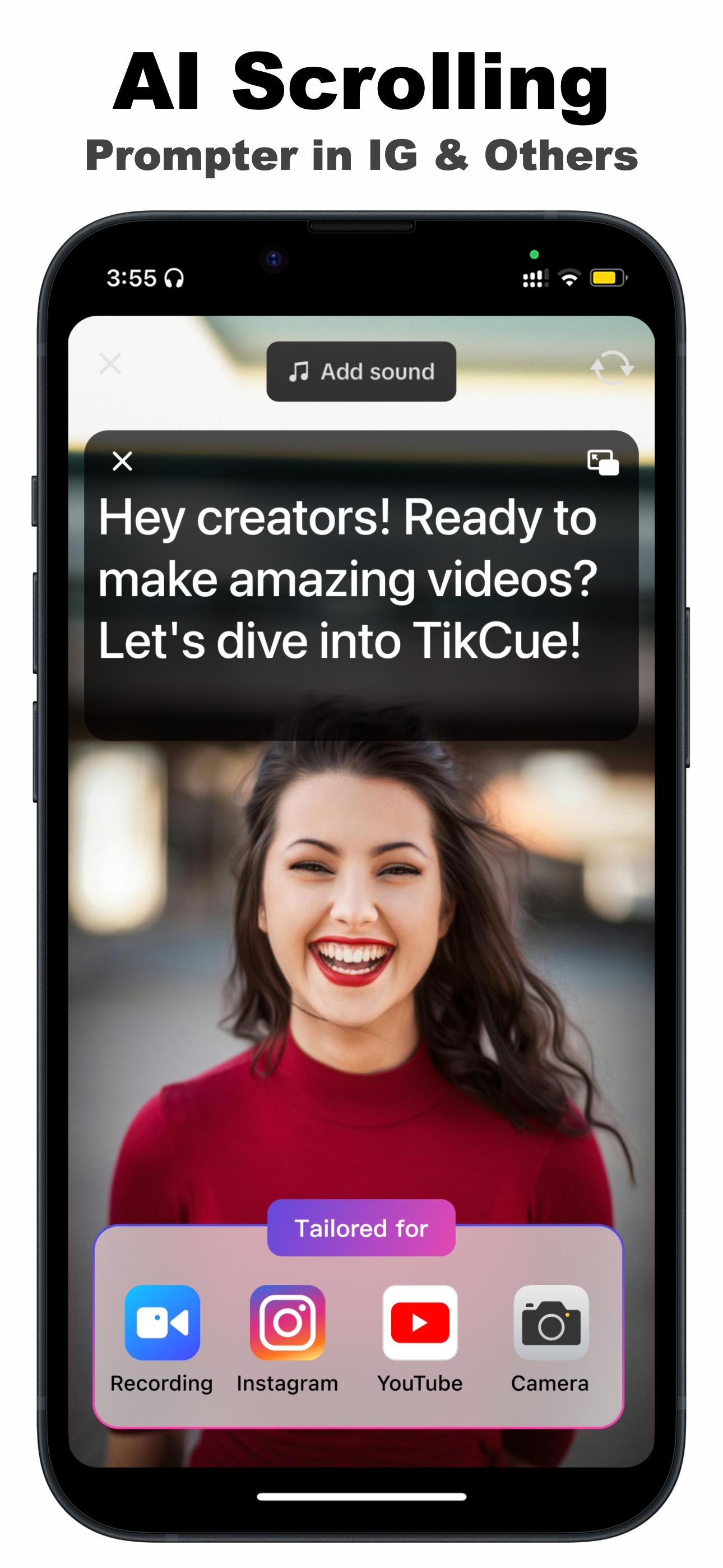
- Add your script to TikCue (free on the App Store) and tap Float-Cue.
- Drag the floating window until it sits directly at the front camera — the closer, the better.
- Keep the window narrow and bump the font a size up: short lines = still eyes.
- Record in any camera app while AI Scroll feeds the words through your reading zone at your pace.
- Play back 10 seconds and check your own gaze; adjust window position once and you're set.
The honest shortcut: a perfectly memorized script gives great eye contact too — for one take, on a good day. The prompter-by-the-lens setup gives you the same result on take one, every day, for every video on the calendar.

Get TikCue free on the App Store
A floating teleprompter that scrolls as you speak — in TikTok, Instagram, Zoom or any camera app. iPhone & iPad.