Everyone has done the Zoom shuffle: notes in a doc behind the call window, eyes visibly dropping to read them, thread of the conversation lost. On a desktop there are overlay tools for this — but more and more important calls happen on the phone or iPad, where those desktop tools don't exist. There, the answer is a floating notes window: your talking points sit on top of the Zoom or Meet app, near the camera, visible only to you.
Why notes fail on video calls (and what fixes it)
- Notes behind the call force a window switch — on a phone, that means literally leaving the meeting screen.
- Paper notes sit off-axis, so every glance is an obvious look away from your audience.
- Memorizing spends your attention on recall instead of the conversation.
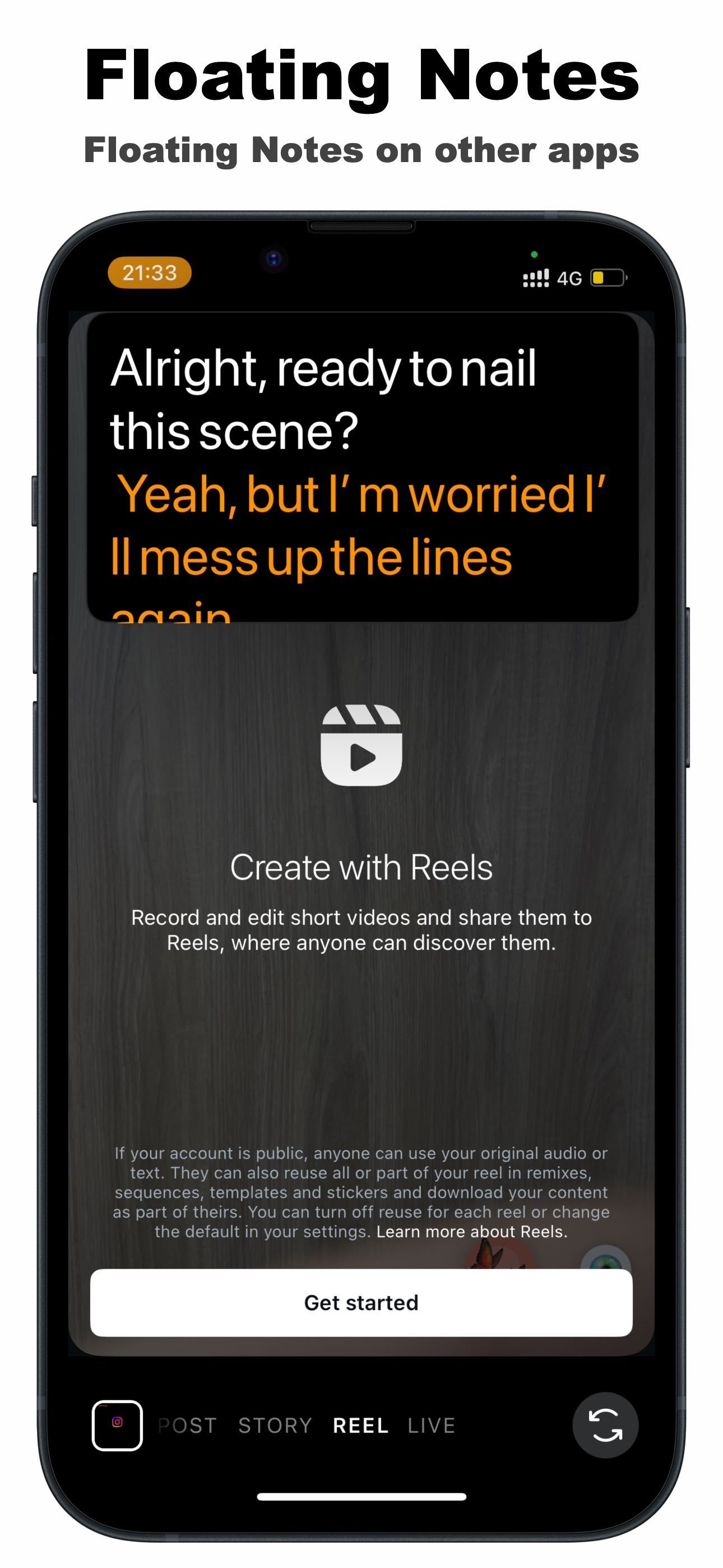
A floating overlay fixes all three: the notes render on top of the call app, you position them right next to the camera, and because they're on the same screen as the meeting, your eyes barely move. On iPhone and iPad, TikCue provides exactly this — with the bonus that its AI Scroll can walk through a full script at your speaking pace when you're presenting rather than conversing.
Does the other side see my notes?
No. The floating window is drawn on your device's screen; it is not part of the camera image Zoom or Meet transmits. What your counterpart sees is your video feed — you, looking remarkably prepared. (If you share your screen, share a specific app or document rather than the whole screen.)
Floating notes for a Zoom call with TikCue
- Before the call, put your talking points or full script into TikCue (free on the App Store).
- Tap Float-Cue — the notes become a floating window you can drag and resize.
- Join your Zoom or Google Meet call as usual; the notes stay on top.
- Drag the window as close to the camera as possible and set a comfortable transparency.
- Conversing? Glance at bullets. Presenting? Let AI Scroll follow your voice through the script.
Calls where floating notes earn their keep
- Job interviews — your prepared stories and questions, one glance away.
- Sales demos and pitches — exact pricing, feature names and objection answers, verbatim.
- Webinars and online teaching — a session outline that keeps 60 minutes on track.
- Standing meetings — the three updates you always forget to mention.
Position beats everything: the single biggest eye-contact win is moving the notes to within a centimeter or two of the camera dot. Test in the Zoom preview once — if your gaze looks natural there, it looks natural to everyone.

Get TikCue free on the App Store
A floating teleprompter that scrolls as you speak — in TikTok, Instagram, Zoom or any camera app. iPhone & iPad.