You don't need a $200 rig or a studio prompter — the phone already in your hand does the job. A teleprompter is just three things: text you can read, positioned near a lens, moving at your speaking pace. Your iPhone can do all three, and with the right app it does them better than most hardware: it can float the script over any other app, mirror it for glass rigs, and scroll it by listening to your voice. Here's the complete setup.
The three phone-teleprompter setups
- Same-phone recording (most common). You record with the iPhone's front camera and read from the same screen. This is where a floating prompter matters — the script window sits near the lens on top of your camera app, so you read and record on one device.
- Second-device prompter. The phone shows the script next to a bigger camera (or a laptop running a video call). Prop it as close to the lens as possible and bump the font size up.
- Glass rig / beam-splitter. The phone lies flat under a 45° mirror in front of a camera. For this you need mirrored text — TikCue can flip the script horizontally or vertically so it reads correctly in the glass.
Settings that make phone prompting readable
- Font size: readable from 60–90 cm without squinting — bigger than feels natural on a phone.
- Contrast: light text on a dark, semi-transparent background reads best over a camera preview.
- Line width: keep the window narrow-ish; short lines keep your eyes near the lens instead of sweeping left–right.
- Scroll mode: voice-following beats fixed speed for anything you haven't rehearsed — see how voice-activated scrolling works.
Turning your iPhone into a teleprompter with TikCue
- Install TikCue free from the App Store.
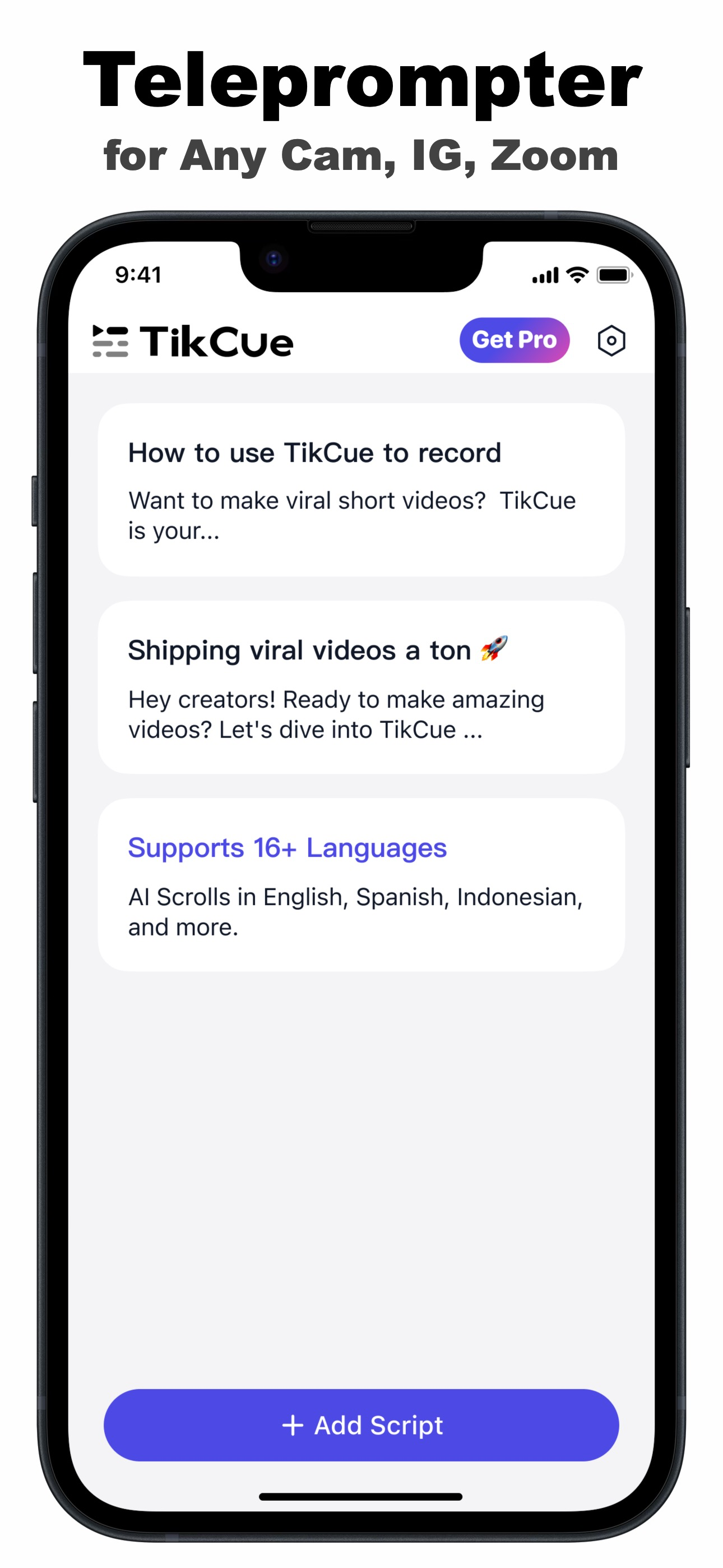
- Tap Add Script and paste your text — speech, video script, talking points or lyrics.
- Adjust font, size, color and background transparency until it's effortless to read at arm's length.
- Tap Float-Cue to float the window, or Fullscreen for second-device and glass-rig use (mirror/rotate as needed).
- Start talking — AI Scroll moves the text with your voice; pause and it waits.
Beyond video: everywhere a pocket prompter helps
- Speeches and toasts — the phone in your hand becomes subtle cue cards that turn themselves.
- Presentations — glance at your speaker notes while the projector shows slides.
- Voice-overs and podcasts — read long-form scripts without page-turn rustle.
- Video calls — floating notes during Zoom or Meet, covered in detail in the Zoom guide.
One habit: always do a 10-second test take and play it back. You'll instantly see if the window is too far from the lens or the font is too small — fix it once and every take after is clean.

Get TikCue free on the App Store
A floating teleprompter that scrolls as you speak — in TikTok, Instagram, Zoom or any camera app. iPhone & iPad.